This is a text editor widget. On the left is a funny section where stylesare shown. Both this box, which is in the center of the workspace, and the text editor column on the left are WYSIWYG. The HTML tags for the styles are shown in the left column in addition to the formatted text.
This is a great deal like the classic WordPress editor. Each new paragraph remains in this section instead of creating a new pargraph block.
There is a Drop Cap option on the left, but I do not see how to make it work. Maybe the drop caps don’t show until the page is published.
OK. The left hand column provides instant access to the HTML editor via the Text tab.
They call this a testimonial. When there is nothing to do, do nothing!
I am not as terrified of using Element as I had been. It is clear that it can work with Twenty Twenty-Three, the theme that we have been using to create the first draft of the website.
There certainly are oddities in the Elementor approach! I have my basic styling controls over in the left “Edit Text Editor” column. I have written the last two paragraphs over on the left instead of in the middle of the page.
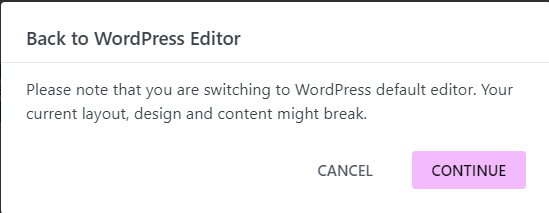
Once Elementor takes over a page, it does not want us to return to any other editor. I think the rule must be to use the editor that the creator of a page used so that the creator can comfortably update it.
Testing the use of an embed code from YouTube. It seems as though it will work.
This is an inner section.
I don’t know what that means.
Two columns within the content column, I guess.
The Pro version supports a PayPal button. I could do a PayPal pattern in Twenty Twenty-Three, but maybe a professional button would be better.
$59 per year for Elementor is not the least bit unreasonable.